Hi all,
We’ve enabled the Accessibility Auditor for a web collection via the colleciton.cfg setting,
accessibility-auditor.check=true
After a few successful crawls, we’re seeing this error in the marketing dashboard,
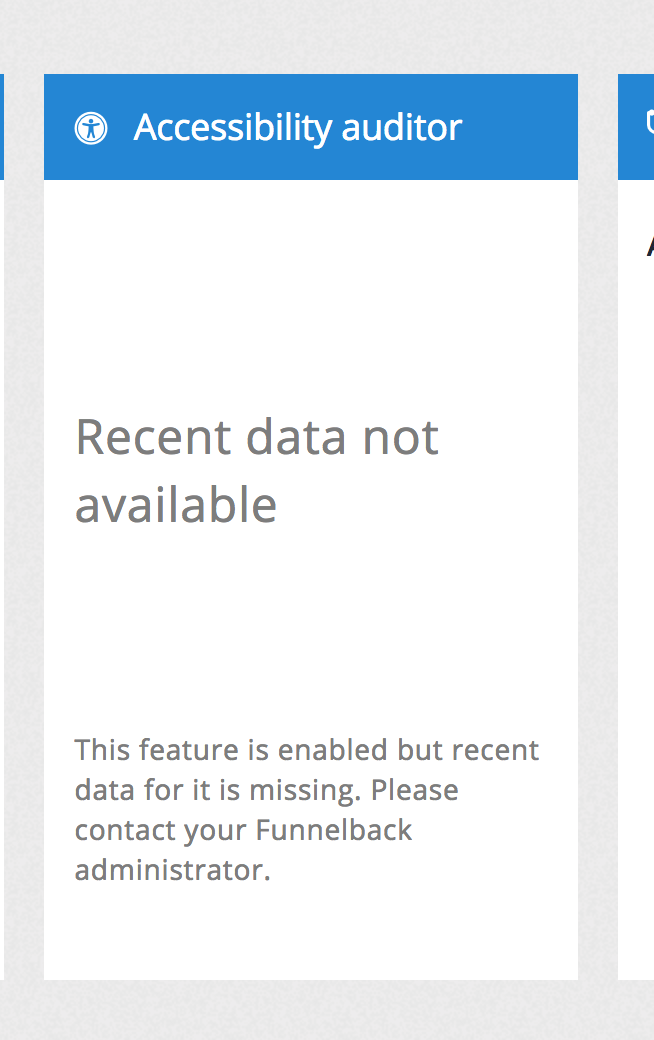
An error message I can spot regarding data being missing / not accessible, is a modern UI error which popped up close to crawl,
/opt/funnelback/log/public-ui.warnings
Fri Sep 22 16:16:57 2017 - Could not open collection cache file /opt/funnelback/lib/perl/Funnelback/../../../cache/demo-puc-search-collection.cfg.cache: Permission denied
Fri Sep 22 16:21:57 2017 - Could not open collection cache file /opt/funnelback/lib/perl/Funnelback/../../../cache/demo-puc-search-collection.cfg.cache: Permission denied
There also looks to be accessibility filter issues re PDFs in the crawler inline filter log,
2017-09-22 19:04:24,782 [com.funnelback.crawler.NetCrawler 6] WARN delegatetechnique.ErrorIgnoringTechnique - Error when checking for PDF6 on http://www.puc.edu/__data/assets/pdf_file/0020/144263/Catalog-2016-2018.pdf?v=0.1.6
java.lang.NullPointerException
at com.funnelback.accessibility.pdf.utils.RecursingCOSVisitor.traverseObject(RecursingCOSVisitor.java:180) ~[funnelback-wca-checker.jar:?]
at com.funnelback.accessibility.pdf.utils.RecursingCOSVisitor.visitFromDictionary(RecursingCOSVisitor.java:121) ~[funnelback-wca-checker.jar:?]
at org.apache.pdfbox.cos.COSDictionary.accept(COSDictionary.java:1451) ~[pdfbox-1.8.10.jar:1.8.10]
at com.funnelback.accessibility.pdf.utils.RecursingCOSVisitor.traverseObject(RecursingCOSVisitor.java:180) ~[funnelback-wca-checker.jar:?]
at com.funnelback.accessibility.pdf.utils.RecursingCOSVisitor.visitFromDocument(RecursingCOSVisitor.java:150) ~[funnelback-wca-checker.jar:?]
at org.apache.pdfbox.cos.COSDocument.accept(COSDocument.java:578) ~[pdfbox-1.8.10.jar:1.8.10]
Neither should be preventing any analytics data from coming back though.
