Hi, I am a relatively new user of FB, and finding my way around collection admin, so I’m hoping someone here might have some pointers for me to troubleshoot this issue.
When searching our main site, results are also showing up for a sub-site. I want to exclude all content from the sub-site from our main site collection.
The URLs are structured like this: http://mainsite.net.au http://sub-site.mainsite.net.au
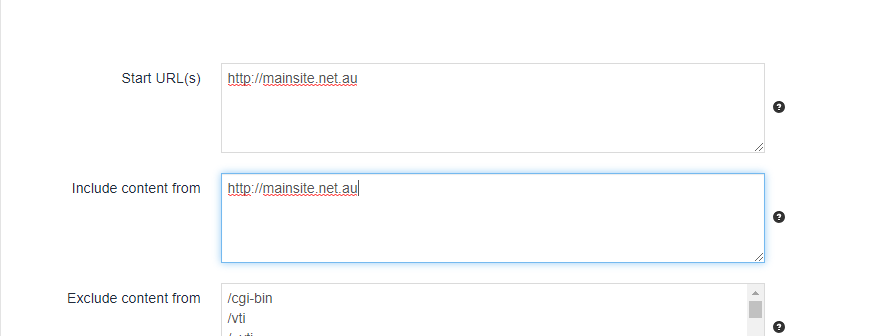
I tried adding the sub-site to the field ‘Exclude content from’ in Edit collection settings. I tried using ‘sub-site’ and ‘sub-site.mainsite.net.au’.
This worked to hide those results from the main site search. However in doing so, it has excluded other pages from the main site that aren’t part of the sub-site.
Can anyone suggest what might cause other pages to be excluded that don’t match the exclude pattern that I entered? This may be too general a question but if anyone can identify common causes that I could look into that would be mush appreciated.
Thanks
Would you be able to provide more examples of the urls you would like to crawl and exclude? I can then try and get it working in our test environments so that I can provide you with some sample configurations.
If the content you are trying to crawl is not public, would you be able to provide examples using another site which mimics the same structure?
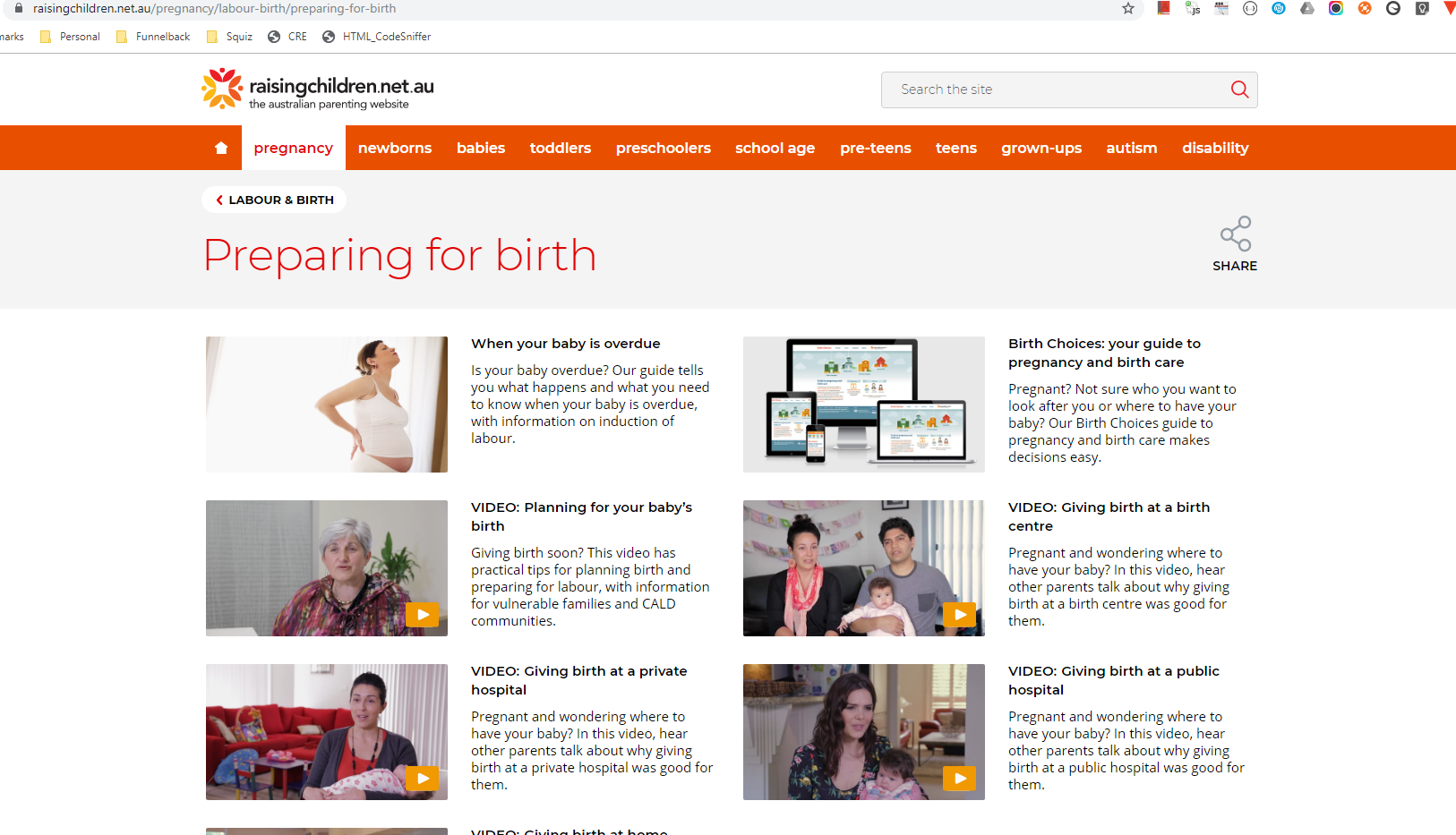
The URLs are all public, so I can share some examples here. We want to crawl everything that starts with /raisingchildren.net.au, and exclude anything that starts with /birthchoices.raisingchildren.net.au
As I mentioned, adding the exclude pattern ‘birthchoices’ seems to have worked to remove the birthchoices URLs from the collection, but at least one article that doesn;t have birthchoices in the URL was also excluded. If I can work out what caused this I can see if there are other examples that I just haven’t found yet.
As a new user I can only add 2 links to a post. I’ll see if I can add a few more to a subsequent post.
A workaround you could use is to instruct Funnelback to consume the sitemap.xml using the following setting:
However, I noticed that the sitemap for https://raisingchildren.net.au/sitemap.xml is producing errors. I would suggest getting that working properly as it would also benefit other search engines like Google and Bing.
Hope this helps.
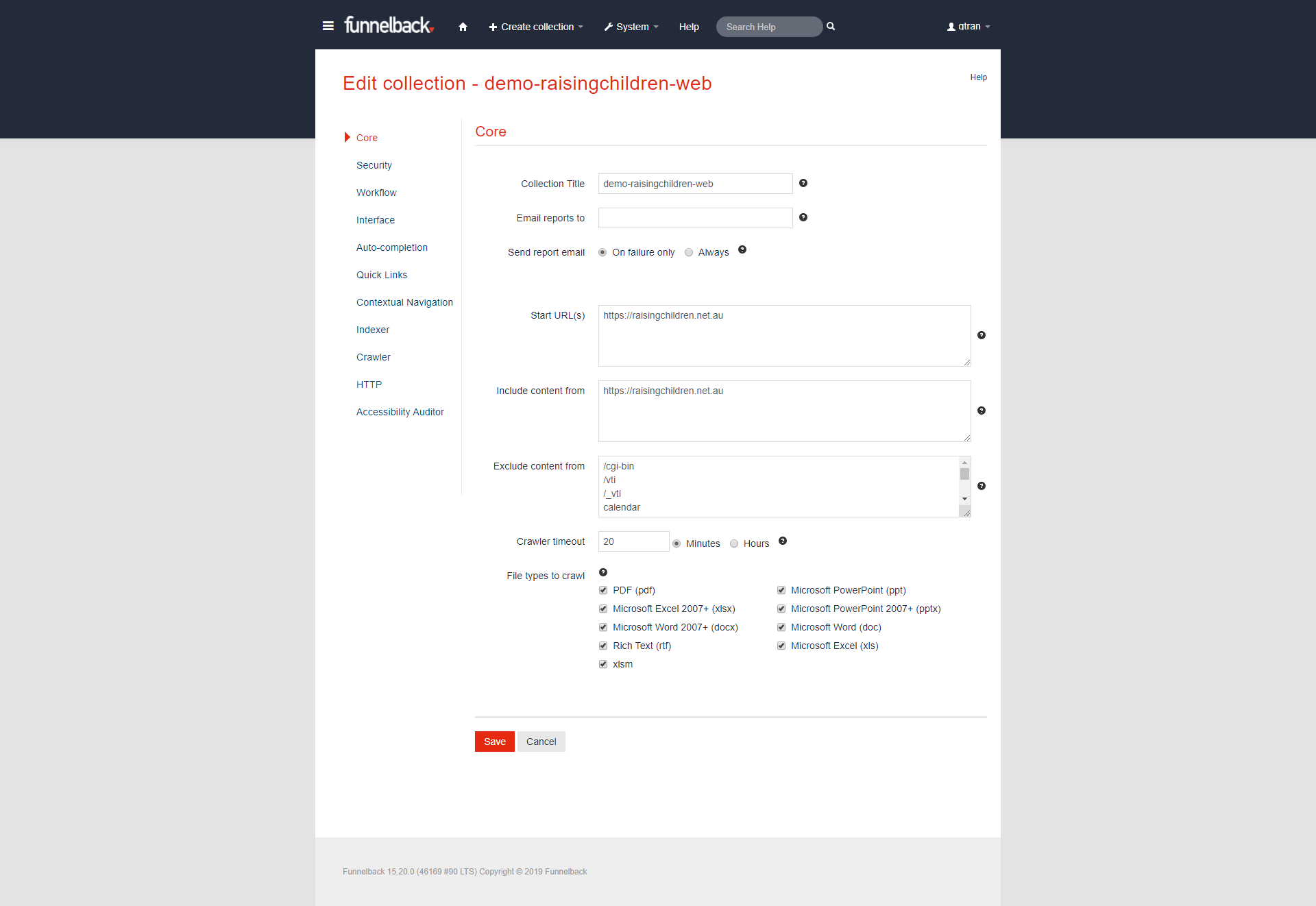
For completeness, I have included configurations and demo link for the test collection I used which crawls about 1060 pages on https://raisingchildren.net.au/: